
Make Google Workspace Stronger With xSoTec's Tools
If you don’t need consulting, you can license xSoTec’s suite of proprietary tools to help you create your own robust and reliable systems. By licensing any of our tools you’ll have access to collaborative meetings for guidance, support, and input on future updates.
LoopSheet
Scaling Your Scripts To Sheets
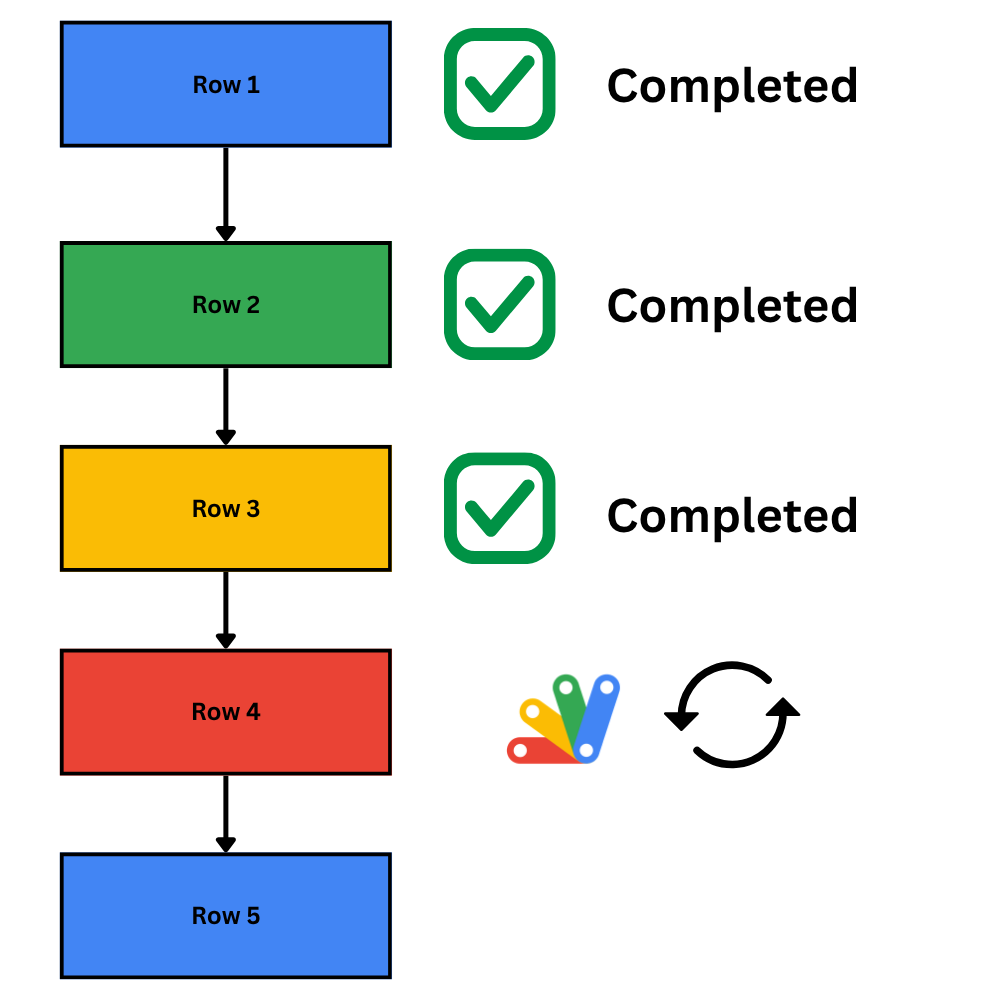
For those who are familiar with writing Apps Script code, you know that writing functions for one-off tasks is easy, but scaling an operation to run for every row in a sheet with stability is anything but. With frequent API errors and Google’s strict execution time limit, it can be challenging to write code for a large system. That's why we developed loopSheet, a framework that allows developers to quickly create solutions that span their entire system. loopSheet serves as xSoTec’s main building block for custom client systems, powering complex automation and system maintenance for nearly all active clients.
- Simple Implementation : Uses a lightweight framework—just add a library and a short template to your bound script to make any function infinitely iterative.
- Time-Limit Management : Automatically handles Google’s strict execution limits (such as the 6-minute timeout cap) so scripts can run reliably.
- Error Tracking : Systematically logs row-level and internal file errors to ensure data integrity and easier debugging.
- Granular Control : Provides built-in options to filter, configure, and select precisely which rows to process.
- Advanced Settings : Create customizable settings sheets for your functions, allowing you to change the behavior of your function with ease.
CopyScripts
Connecting Sheets to Each Other
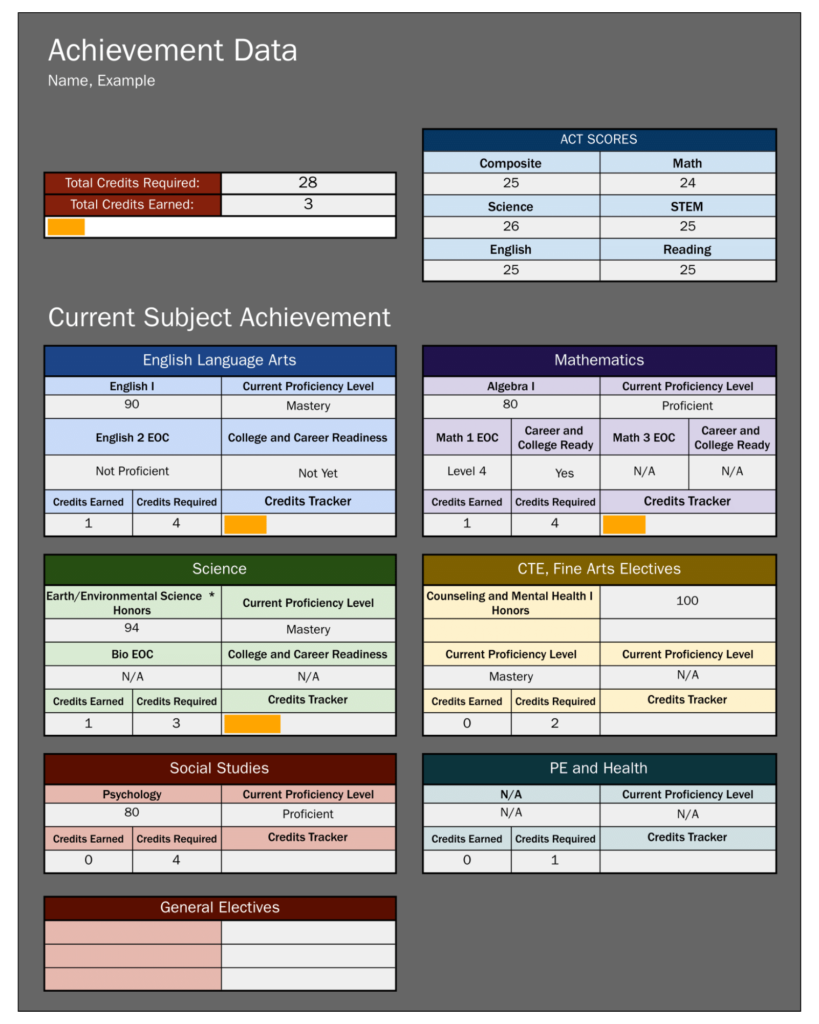
Whether it's parsing from a large list of student data or aggregating grades into a central spreadsheet, finding, manipulating and sending data from one place to another is always crucial. CopyScripts streamlines how you work with spreadsheets by giving you a way to build reliable systems where data is connected from one spreadsheet to another.
CopyScripts is a robust and configurable automation engine built to connect and manipulate data across Google Sheets without the limitations of IMPORTRANGE or standard queries.
It starts via a simple installation - one sheet that easily integrates with an existing spreadsheet. Through this sheet, you can quickly configure sophisticated CopyScripts reports, as it features a deep pool of options that allow you to create specific solutions that fit your system, even without needing to write any code. Reports can be ran manually or via a time-based trigger, giving your system the flexibility to process and update your data on a consistent basis.
CopyScripts transforms disconnected spreadsheets into a secure, automated database. Dozens of schools every day use CopyScripts to update personalized dashboard spreadsheets, aggregate grades, import data from external sources, and so much more.
AdminConsole
Automatically Create, Edit and Maintain Hundreds of Spreadsheets
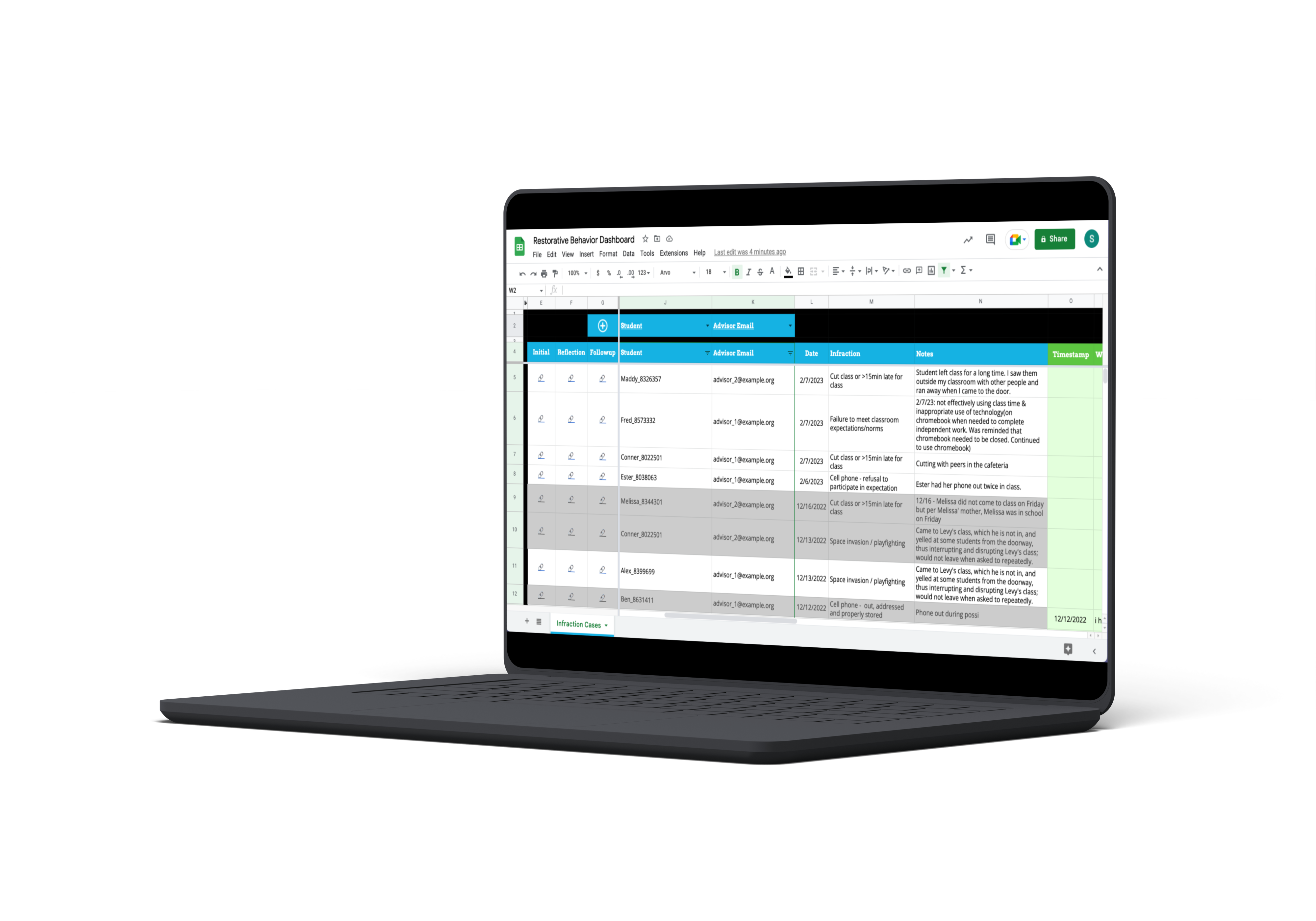
Many of our systems have hundreds of Google Sheets that need to be quickly modified. adminConsole was developed as a way to organize, edit and create files using a single template. Simplifying mass updates for hundreds of spreadsheets simultaneously, adminConsole allows users to automatically insert new tabs, update design and spreadsheet contents, and manage sharing permissions and document locations within Google Drive automatically for hundreds of spreadsheets through a wide array of built-in functions.
Fundamentally, adminConsole and its integrated functions empower schools to effortlessly apply updates across all their active spreadsheets, even within large-scale setups that have already been launched.
Other Tools
Use Our Pre-Built Functions To Streamline System Creation
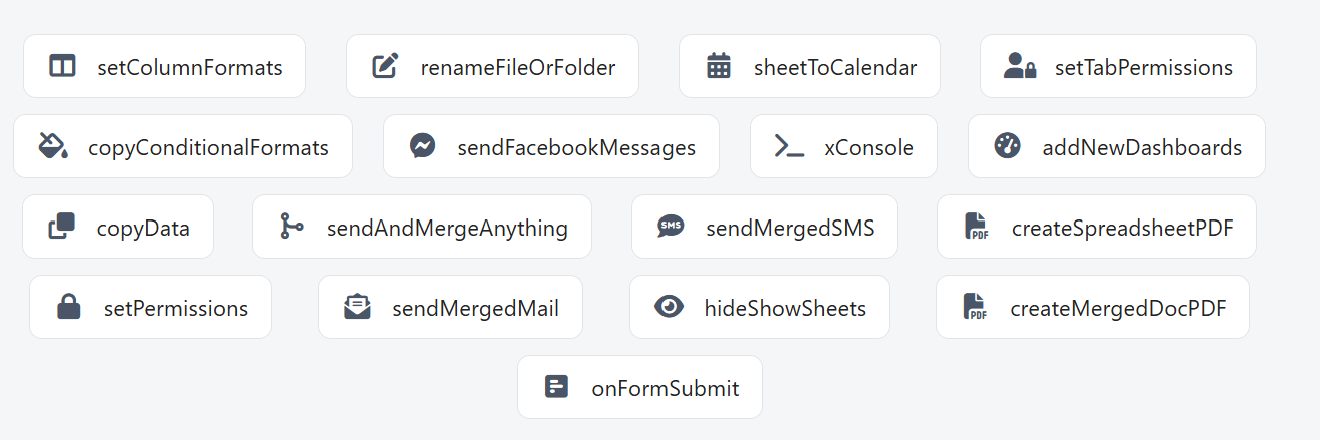
Throughout our years developing custom systems for schools, we've designed an entire ecosystem of powerful functions that you can utilize to develop your own product. Here are just some of them!
- sendMergedMail: Create Documents, Set Permissions of documents, create PDFs of spreadsheets and attach to emails that you can customize through a Google Doc to standardize communication.
- addNewDashboards: Replicate folders for users, including entire dashboard/system templates to scale your system to an infinite amount of users.
- xConsole: Manage the scripts, settings, and design of spreadsheets. A game changer when it comes to pushing out updates to many sophisticated dashboards at once.
- driveCopy: Copy an entire Google Drive folder - even if there's thousands of items! Necessary for archival & replication of huge systems.
- And More!
Learn How Schools Have Built Amazing, Profitable Products With Our Tools

How It Works
By licensing our tools, your organization has the potential to
build marketable, profitable systems.
Licensing works by meeting with us and negotiating a
per-project fee that you build with our tools. Included with
this fee is information about how to use our tools and
consistent support from us as you develop.
Schedule an appointment with us to learn more.